
Have a video with a watermark? Try the video watermark remover
Only edit images you created or have permission to change. The visible mark is removed; SynthID is not.
All Imaginoa tools
Everything runs in your browser. No sign-up, no upload, all free.
About this Gemini watermark remover
What it does, what it leaves alone, and how it compares with the alternatives.
Imaginoa is a free Gemini watermark remover that runs entirely in your browser. Drop in an image made with Gemini or Nano Banana and the small sparkle in the corner is gone in about a second, at full resolution. Nothing is uploaded, there is no sign-up, and you can remove Gemini watermark marks from a whole batch at once and download them as a ZIP.
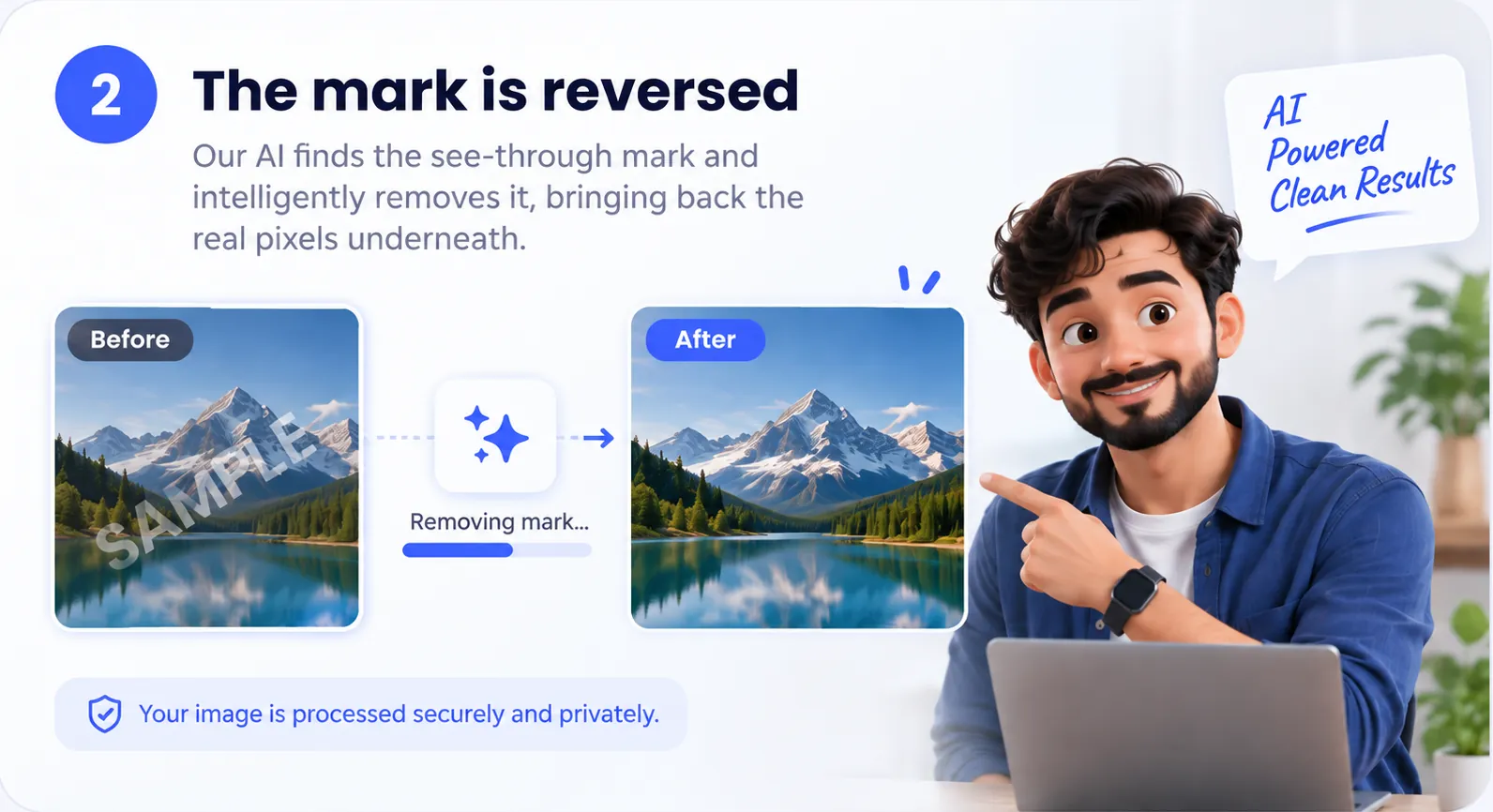
Most tools that claim to Gemini remove watermark marks paint over the corner with invented pixels. This one works backwards instead: the sparkle is blended into the picture at a known shape and strength, so the blend can be reversed and the original pixels restored. That is why the texture under the mark survives rather than turning into a smudge.
| Question | Answer |
|---|---|
| What does it remove? | The visible sparkle on Gemini and Nano Banana images, both the older corner mark and the newer one placed further in |
| Cost | Free, with no limits and no account |
| Upload | None; your images stay on your device |
| Formats | JPG, PNG and WebP, saved in the same format and size |
| Devices | Windows, Mac, Android and iPhone browsers |
| Batch | Yes, many images at once with a ZIP download |
| What stays | SynthID, Google's invisible watermark |
If you are wondering how to remove a Gemini watermark step by step, including on a phone, read the full guide. For a video made with Veo inside Gemini, use the Gemini video watermark remover guide. Prefer Hindi? The tool is also available in हिंदी.
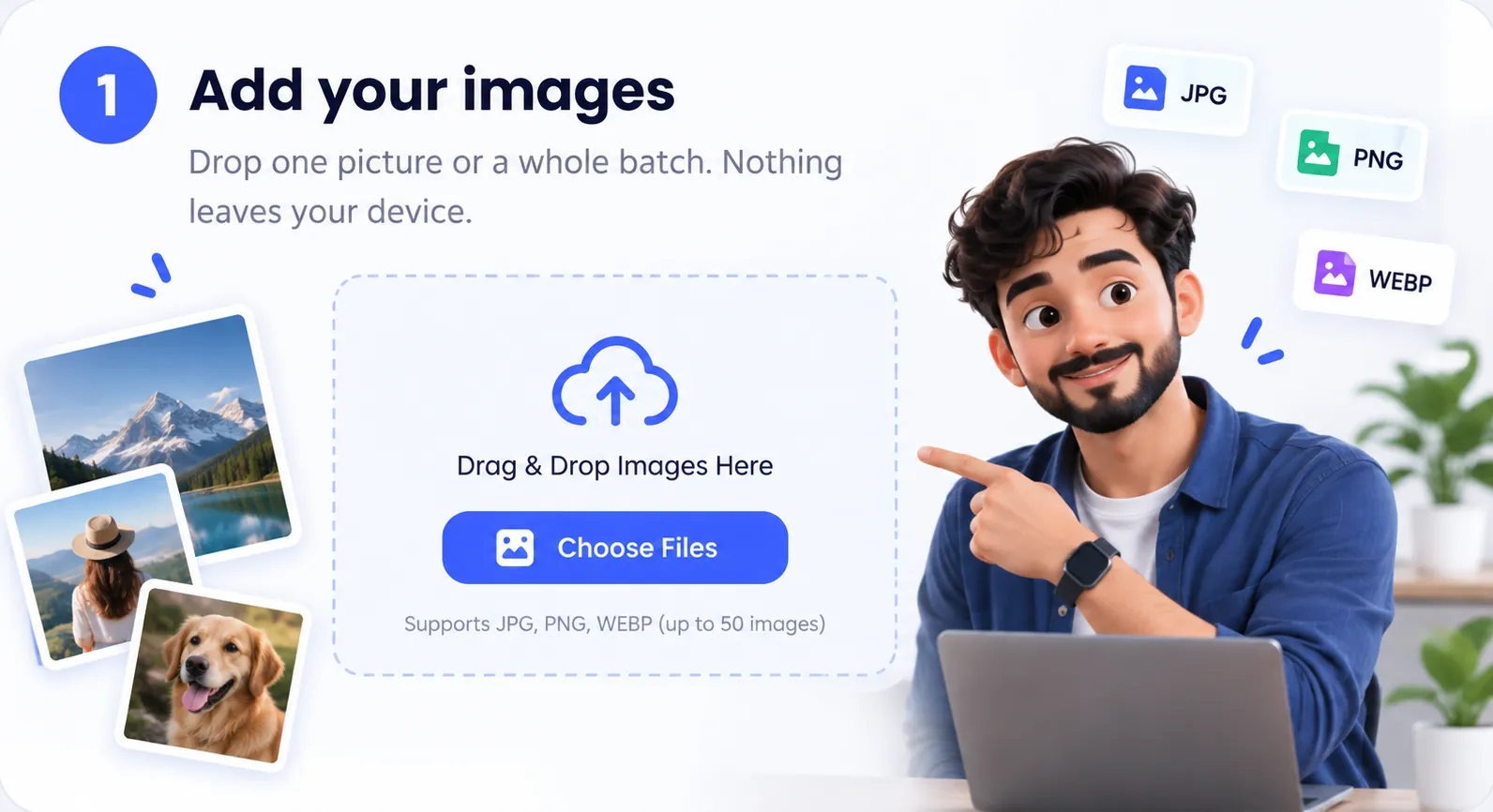
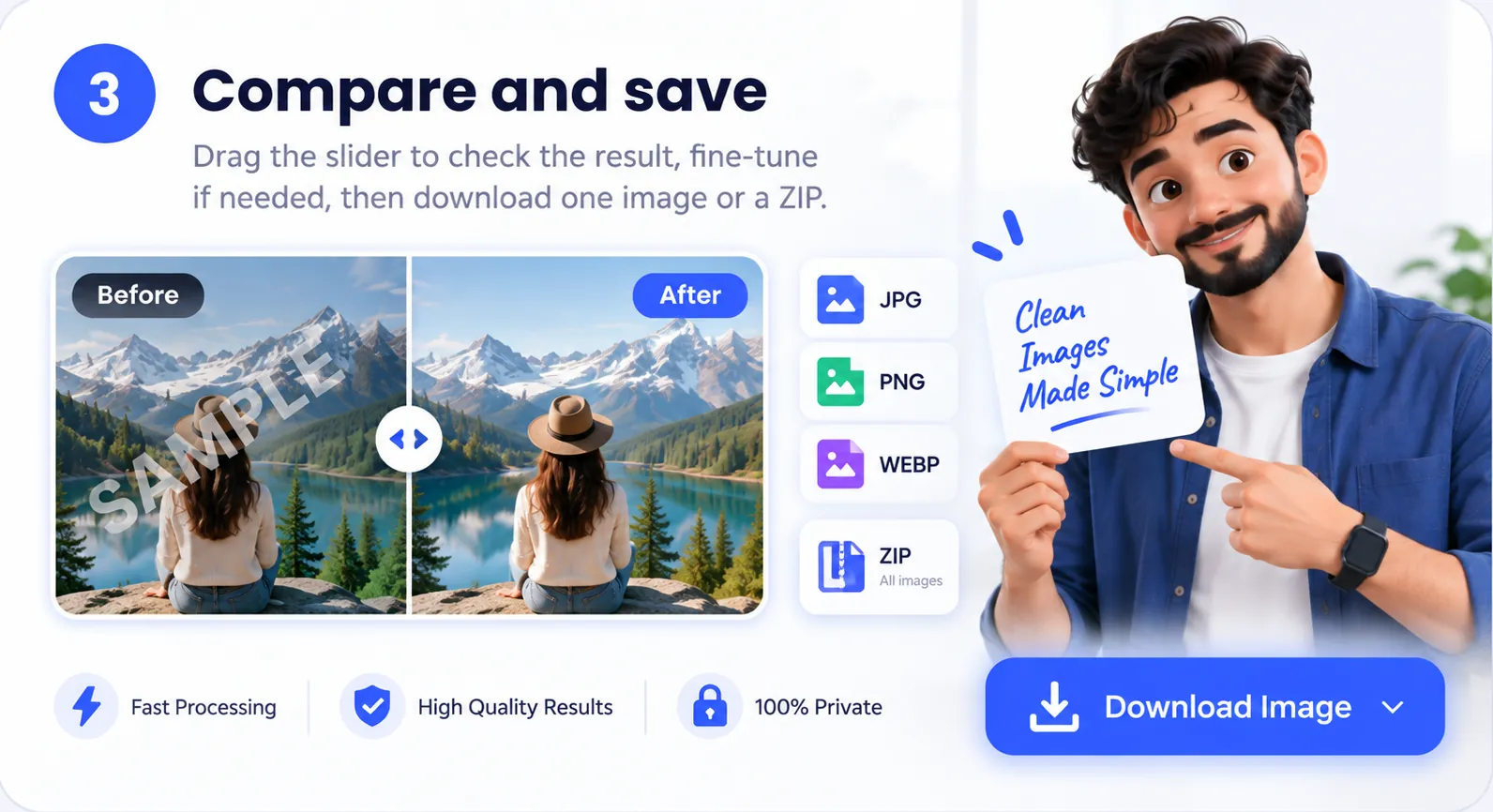
Three steps, zero waiting
No queues, no servers, no account. Your browser does the work in about a second per image.
Honest about what it does
Imaginoa is built for cleaning up your own AI images for thumbnails, slides and posts.
It does
- Remove the visible sparkle from Gemini and Nano Banana images, both the older and the newer mark.
- Keep your resolution and format. PNG stays PNG, JPG stays JPG.
- Let you paint over leftovers with Brush fix.
- Keep working offline once the page has loaded.
It doesn't
- Touch SynthID, Google's invisible watermark. The image can still be identified as AI-made.
- Upload, store or look at your files.
- Remove watermarks from stock photos or other people's work. Please don't use it for that.
Questions people ask
Still stuck? Try Zoom to corner and the strength slider first. It fixes most leftovers.
Is it really free?
Yes. There are no daily limits, no account and no paid tier. Processing runs on your device, so it costs nothing to serve.
Are my images uploaded?
No. The image is read by your browser, cleaned on a canvas and saved back to your device. You can switch off your internet after the page loads and it still works.
How does the removal work?
Gemini blends a white sparkle into a fixed spot near the corner at partial opacity. Imaginoa uses the exact shape of that sparkle, supports both the older corner mark and the newer mark placed further in, aligns it to a fraction of a pixel, and reverses the blend. Because it recovers the original pixels instead of painting over them, texture and detail survive.
A faint star is still visible. What do I do?
Turn on Zoom to corner and move the removal strength slider until the star disappears. For anything left over, use Brush fix and paint over it.
It says no watermark was found.
This often happens with phone screenshots, or images that were cropped or resized. Tap Select the mark, then tap right on the sparkle, and Imaginoa will find its exact size and remove it.
For a mark from any other tool, tap Brush fix and choose Drag a box: draw a box around the mark and tap Erase it. The box is rebuilt from the picture around it, so it works on any watermark, whoever made it.
Does it remove SynthID?
No. SynthID is an invisible watermark spread across the whole image, and this tool doesn't try to remove it. Be open about AI-generated images when you share them.
Does it work on phones?
Yes, on any modern browser on Android or iPhone. Use the original image saved from Gemini for the best result. Screenshots work too. On phones, Save image opens your share menu, so you can save the result straight to your gallery or Photos.
Will the quality drop?
Only the small corner area changes. The rest of the image is copied exactly. PNG is saved losslessly, and JPG and WebP are saved at high quality.